🛡️
SIKAT PINOY VIRUS & ADS REMOVER
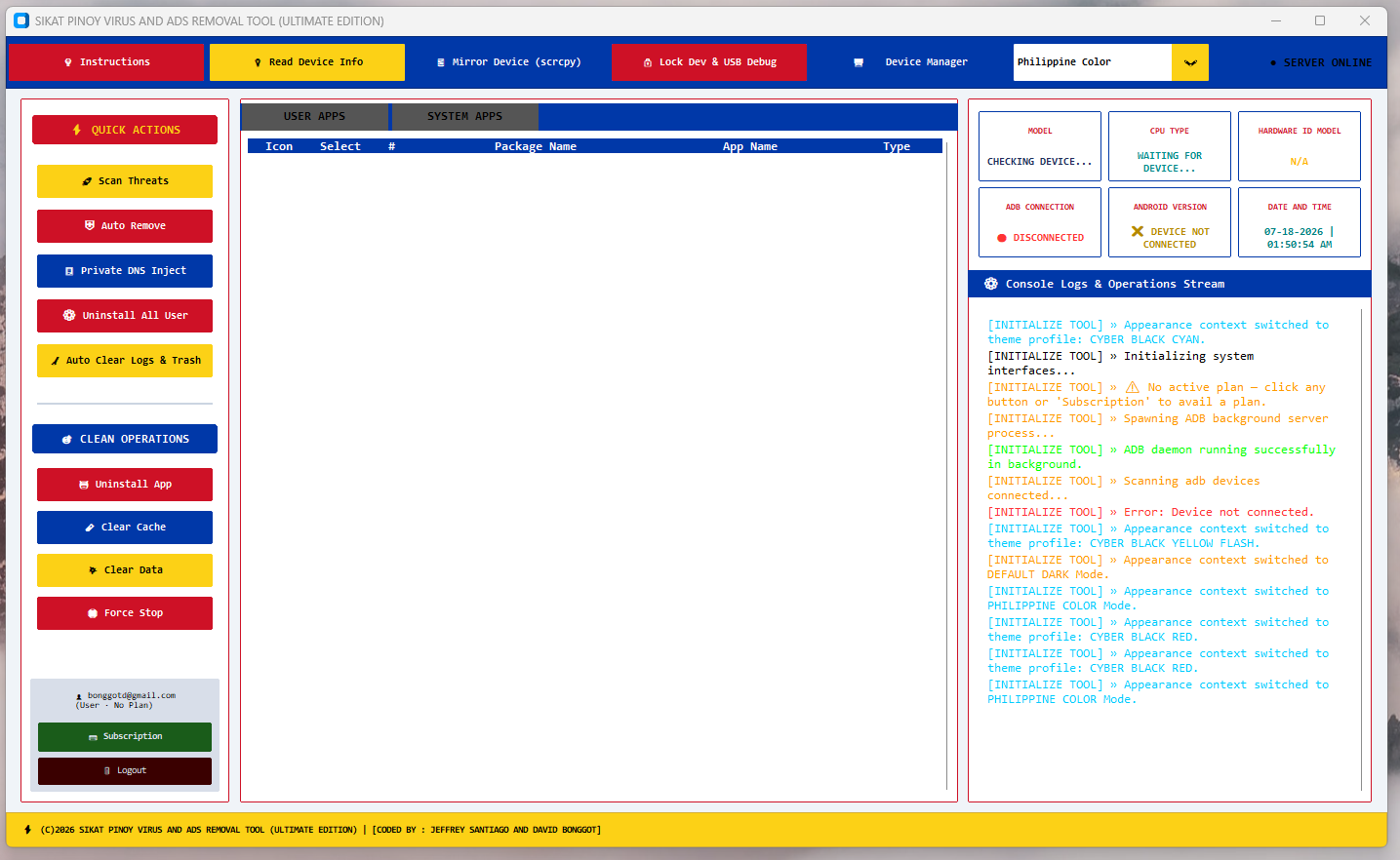
Easily clean, scan, and optimize your Android devices from adware, viruses, and background lag generators.
Download Tool Installer (Pro)
SikatPinoy_VirusAdsRemover_Setup.exe (Windows 64-Bit Edition) 2.0
⚙️ Tool Features & Info
- ADB Deep Cleaning Remove Adware & Bloatware
- Device Support All Android Models (USB Debugging)
- Scanning Mode Real-time Ad Package Detection
- Safe Guard White-listed Gcash, Banking Apps
- Connection Fast ADB Driver Handshake
📋 Quick Setup Guide
- Enable **USB Debugging** in Developer Options on your Android device.
- Connect your Android phone to the PC using a stable USB data cable.
- Run the **Sikat Pinoy Virus and Ads Removal Tool** and login your account.
- Click **Read Device** to initialize the ADB package list.
- Select detected virus/ad packages and click **Remove selected** to clean.