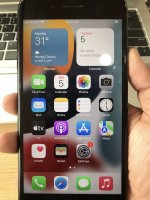
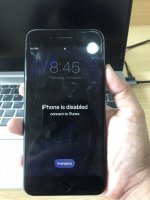
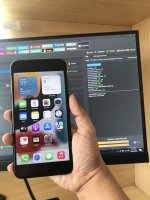
1. Check iOS Version..
2. Download RAMDISK that support the iOS version..
3. Open ..
4. DFU MODE your unit..
5. PWND, Select GASTER..
6. Select RAMDISK
7. Then Click Boot Ramdisk..
8. BACKUP PASSCODE
9. ALWAYS CHECK the BACKUP PASSCODE if the IC-SYSINFO.SISV is present, if not present create IC-SYSINFO.SISV..
10. FACTORY RESET..
11. REPEAT the STEP 1 TO 7..
12. RESTORE BACKUP
13. DONE..
2. Download RAMDISK that support the iOS version..
3. Open ..
4. DFU MODE your unit..
5. PWND, Select GASTER..
6. Select RAMDISK
7. Then Click Boot Ramdisk..
8. BACKUP PASSCODE
9. ALWAYS CHECK the BACKUP PASSCODE if the IC-SYSINFO.SISV is present, if not present create IC-SYSINFO.SISV..
10. FACTORY RESET..
11. REPEAT the STEP 1 TO 7..
12. RESTORE BACKUP
13. DONE..