

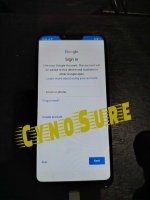
Oppo A3s (CPH1803) - FRP Kick = Done (FRT)
=============================
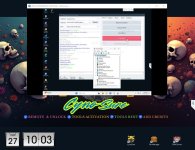
- Open FRT Tool
- Select Chipset Qualcomm
- firehouse Auto Detetion
- Port Auto detection
- go to recovery mode press volume down at power button
- Select version,tap 7 times or many times "click ok" (Click OK - To Enter Dowmload Mode)
- Salpak usb agad
- Click Factory Reset...wait a seconds Done and pera na;
Logs:
============================
Connecting port:COM3 success
Reading mobile phone hardware information...
CPU Serial: 14e782e1
OEM PK HASH: 2440693284962ae0dc5f8534d2e131c3252c1c42f8e89019b9f1b4188731ca6f
CPU ID: 0009a0e1
SBL SW: 00000000
Reading mobile phone hardware information...
downloading boot to devices
boot device successful, reading device information...
Setting flash type... success
CPU: 8953
TargetInBytes: 1048576
Flash Name: hB8aP>
Flash Type: eMMC
Flash FW Version: 909127728
Getting GPT data...
Resetting frp data...
reboot devices... success
Time taken:17 S
operation completed
If you need FRT Activation or FRT Rent, Direct message lang po
FRT Tool (1 Year License) - Best Price
FRT Tool for Rent - Budget Meal
★彡REMOTE & UNLOCK_TOOLS ACTIVATION_TOOLS for RENT_ADD CREDITS彡★
Direct Message lang...


