

all android supported. and big thanks to the owner @drox-Ph-Ceb credits and big shout out. if you want to avail. MESSAGE @drox-Ph-Ceb
10. A prompt will ask for confirmation; tap "OK" to allow USB debugging.
wait til
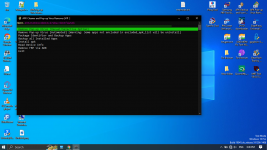
you can choose automated or manual
and type ( Y ) if you already done and wait.
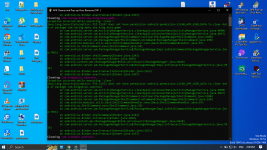
DONE
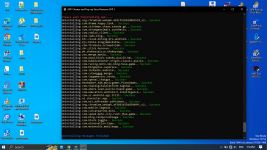
GOODBYE POP UP VIRUS.
- Open the Settings app: on your phone.
- Tap on "About Phone": from the list of options.
- Find the "Build number": or "Version" and tap on it 7 to 10 times.
- You will receive a message indicating that you are now a developer.
- Go back to the main Settings menu: and look for "Additional Settings".
- Tap on "Developer options": to enter the menu.
- Locate "USB debugging": and slide the toggle switch to enable it.
- Open APK Pop-up Virus Remover
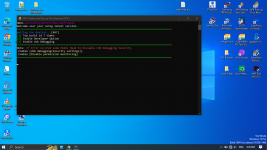
10. A prompt will ask for confirmation; tap "OK" to allow USB debugging.
wait til
you can choose automated or manual
and type ( Y ) if you already done and wait.
DONE
GOODBYE POP UP VIRUS.


